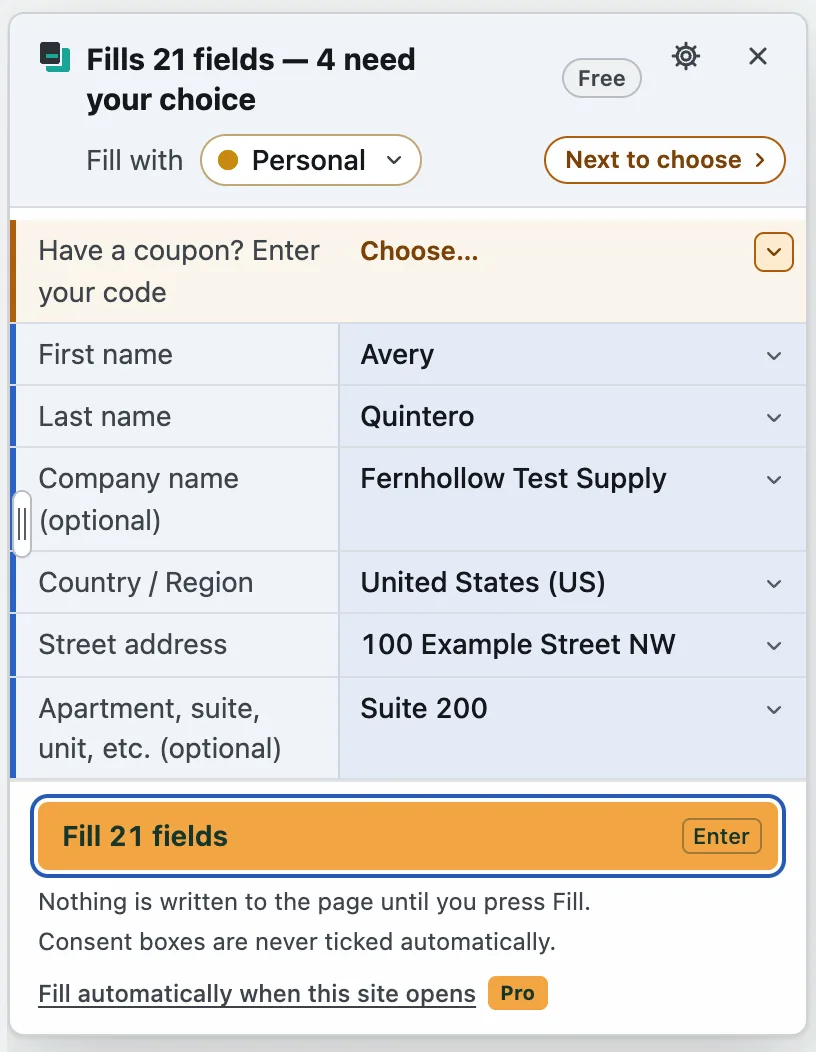
FormCarbon Pro
Even fewer steps on the sites you use often.
- Per-site memory
- Fill on open, on the sites you allow
- 50 saved texts per profile
There is no limit on how many times you fill, on Free or on Pro.
Free plan
Install it and start. There is no sign-up and no payment. Within the limits in the table below, such as 2 profiles, you can keep using it for as long as you like.
| Feature | Free | Pro |
|---|---|---|
| Fills | Unlimited | Unlimited |
| Profiles | 2 | Unlimited |
| Every field type (name, furigana, contact, address, work, date of birth and more) | Included | Included |
| Preview and Undo | Included | Included |
| On / off per site | Included | Included |
| The profile you last used on each site | Included | Included |
| Consent boxes (tick them together in the preview) | Included | Included |
| Saved texts | 3 per profile | 50 per profile |
| Own fields | 3 per profile | Unlimited |
| Theme (light and dark) | Included | Included |
| Panel language (English, Japanese and 7 more) | Included | Included |
| Backup to a file and restore (plain JSON) | Included | Included |
| Per-site memoryRemembers the options, saved texts and field changes you pick, and fills them from the start next time. On Free you can still pick them for that fill. | Not included | Included |
| Fill on open (allowed per site) | Not included | Included |
| Tick the consent a form requires automaticallyIt never ticks optional mailings such as newsletters. | Not included | Included |
| Test data (developer mode)Made-up names, addresses, email addresses and more, with a choice of region, a fixed seed, a run number, an email alias, and test passwords and cards. | Not included | Included |
| Passphrase-protected backupsOpening a passphrase-protected file works on Free too. | Not included | Included |
14-day trial
Every Pro feature works for 14 days after you install. No key is needed.
Pro plans
The price is shown on the checkout page. All three plans include the same features.
The seller is Polar (Merchant of Record). Payment, cancellation and refunds are handled on Polar’s pages. The buttons open Polar’s checkout.
After you buy
- Your license key (it starts with FCPRO-) arrives by email.
- Open the extension’s settings page, paste the key in the Pro license section and press Activate.
Step-by-step instructions in text, and where to get help, are on the after-purchase page.
Questions about Pro
How many devices can I use one key on?
Up to 3. Each browser where you paste the key counts as one. To use it on another computer, you can free up a device in the Polar customer portal.
How do I cancel or get a refund?
In the Polar customer portal. Polar is the seller, so refunds are handled by Polar too.
I lost my key.
Sign in to the Polar customer portal with the email address you bought with. You can see your key there and have it reissued.
Does Pro keep working offline?
Yes. Once the key has been checked, Pro stays on for 14 days without a connection. When you are online, the key is checked again once every 24 hours. This check sends only the key, the organization ID, the activation ID, the fixed label “FormCarbon” and the benefit ID. Your profiles and the contents of pages are never sent.
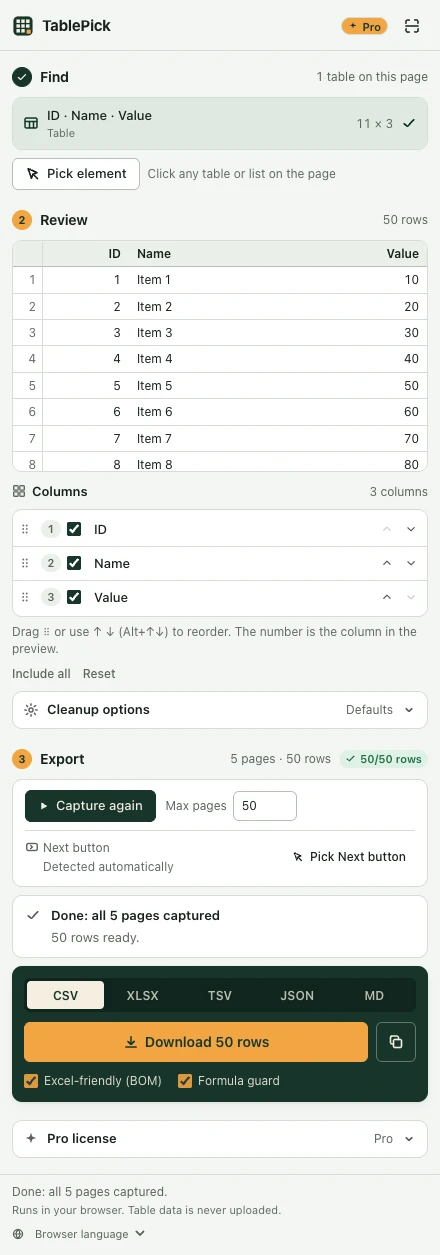
Does a TablePick key unlock FormCarbon Pro?
No. Each product has its own key. FormCarbon needs a FormCarbon key.
Can I get an invoice?
Polar issues the receipt as the seller. For customers in Japan: a qualified invoice (適格請求書) cannot be issued.
What happens if I don’t buy?
When the 14-day trial ends, FormCarbon goes back to the free plan. Your saved profiles are kept, and every free feature keeps working.
 TablePick